
Every citizen of Assam can apply for different certificates from their home itself. The Government of Assam State Service Delivery Gateway enables a citizen to apply for different services online for better convenience. It currently provides 46 services online. We have given complete information about how we will be able to take advantage of this e-District Assam State Portal service and avail all the facilities properly. If you want to apply for any service online, please read this article till the end to avoid any problems while applying for the service.
The very first step to applying for any service in the e-District Assam portal is to register yourself on the portal. By registering, you will be able to be benefited from the following facilities: This blog is a step-by-step manual on how to register yourself in the portal. We will provide you with complete information about how you will be able to sign in successfully.
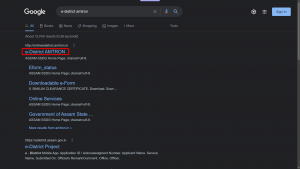
Step 1: Search “e-District AMTRON” in Google or any equivalent search engine OR You can directly visit the website by clicking on this link.

Step 2: Click on “e-District AMTRON” as shown below:
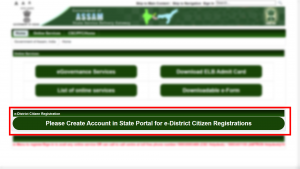
Step 3: Click on “Please Create Account in State Portal for e-District Citizen Registration”
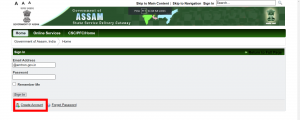
Step 4: Click on “Create Account”
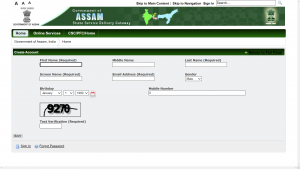
Step 5: Fill your details and Click on “Save”
Step 6: Once submitted the necessary details, a password will be sent to your e-mail address provided. Check the spam folder to receive the mail.
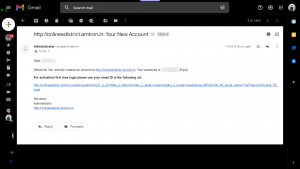
Step7: Enter the password sent to you by mail and click on “Sign In”
Step 8: Enter a new password if desired.
You have now successfully logged in to the e-District portal. Next, you have to fill up the registration form for availing the e-District services
Step 9: Click on “Please Create Account in State Portal for e-District Citizen Registration” again.
Step 10: Fill up the Registration Form. Once filled, click on “Generate OTP”. An OTP will be sent to the mobile number you have provided. Click on “Register” to submit the form.
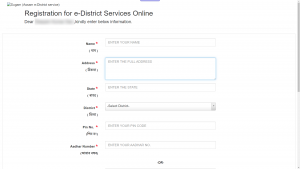
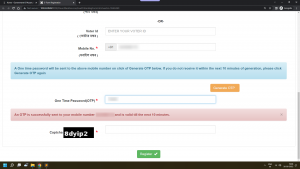
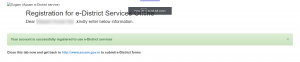
Once this form is successfully submitted, you will be able to avail all e-District services. You can check our blog section to find more tutorials about different e-District services.






















3 Comments
Very nice article and very informative, i love it. Kindly post this kind of articles more often.
Government Jobs, Assam and Northeast India.
Government Jobs, Assam.
Government Jobs, Manipur.
Government Jobs, Meghalaya.
Government Jobs, Nagaland.
Government Jobs, Sikkim.
Cocoa plantation in Assam.
dear sir medam c s c id ke liya
E district assam , otp pobleme pilis helme my contact number : 8822011290